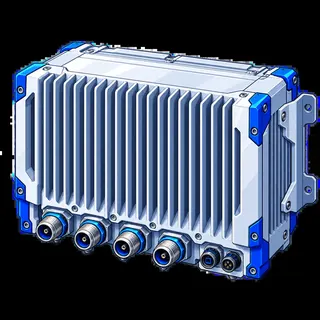
 Illustration
Radio Units / RRU / RRH
Find radio units by model, part number, operating band or frequency range. On the model page, review the listed transmit/receive configuration, uplink and downlink ranges, output power and interfaces. Include the exact model and part number in your enquiry.
Filters
Equipment collections
631 models
IllustrationIllustrationIllustrationIllustrationIllustrationIllustrationIllustrationIllustrationIllustrationIllustrationIllustrationIllustrationCompare radio specifications on the same basis
Start with the operating band and frequency range, then compare the configuration behind each value.
- Check uplink and downlink ranges separately. Include the required band or frequency range in your enquiry.
- Read output power together with the transmit/receive configuration and any per-port or operating conditions.
- Where a model lists multiple part numbers, choose and apply the required part number before adding it to your quote list.
For an alternative to an installed unit, include its complete model and part number together with the required interfaces.